


Saves you time
No more scrolling through thousands of photos to find that one ticket, receipt or recipe.
Coming soon to iPhone and Android
VisiKeep sorts your screenshots into collections and makes every word searchable, right on your phone.
How it works
Everything you screenshot stays useful — and safe.
Reminders
VisiKeep spots dates in your screenshots — an application deadline, a booking, a due date — and offers a reminder on your phone. Nothing is set until you confirm.
Five languages
Use VisiKeep in English, Español, Deutsch, Italiano or Français — collections, search and reminders included.
Archive
Archive screenshots you don’t need every day. They leave your library but stay one tap away.
Locked collections
Lock any collection — IDs, invoices, passwords. Only your Face ID or fingerprint opens it.
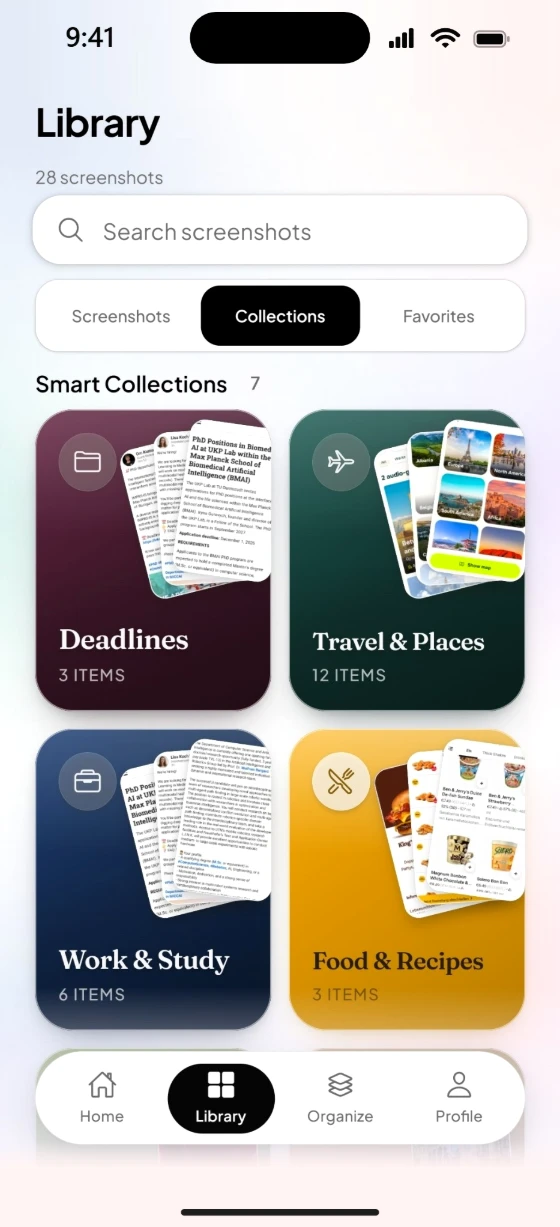


The calm way to keep what you screenshot.
No more scrolling through thousands of photos to find that one ticket, receipt or recipe.
Text is read on your phone. Locked collections stay behind Face ID or your fingerprint.
Spots deadlines and bookings and offers a reminder. Nothing reaches your calendar until you confirm.
Privacy
VisiKeep works on your phone first. You decide what, if anything, ever leaves it.
Original screenshots stay in your device photo library. VisiKeep does not permanently store original screenshot files in VisiKeep cloud.
Originals stay in Photos. For Smart visual analysis, a compressed image may be sent to a cloud AI service for analysis. VisiKeep does not store that image as an original screenshot archive.
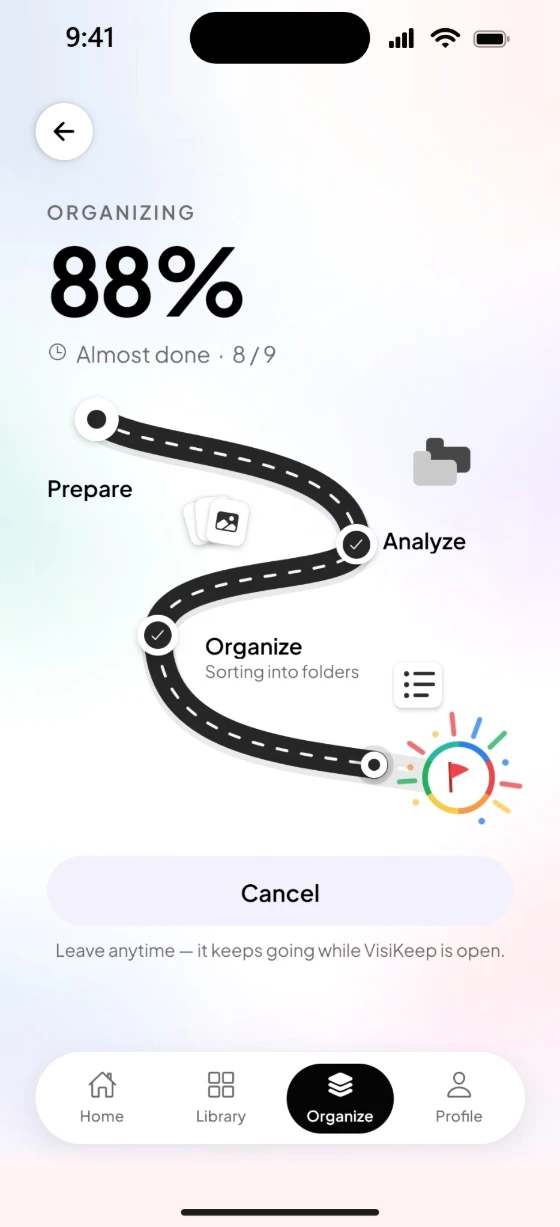
Choose the screenshots you want to organize. VisiKeep reads the text in them on your phone, so you can search any word, and sorts them into collections. Quick organizes everything on your phone; Smart adds AI analysis for more detail.
Quick works entirely on your phone: it reads the text in your screenshots and sorts them into collections. Smart adds AI analysis (and, if you allow it, image understanding) for richer titles, tags and summaries, depending on your plan and AI settings.
When you turn it on, Smart Analyze may send the text found in a screenshot and a compressed copy of the image to a cloud AI service to create titles, tags and summaries. The text found in your screenshots stays on your phone for search; deleting your account clears that VisiKeep data on the device. Your originals in Photos are never deleted.
Collections group screenshots you choose or that match rules. Some membership and Smart metadata may sync with your signed-in account; originals still live in Photos.
Leave your email and we’ll let you know the moment VisiKeep is out.